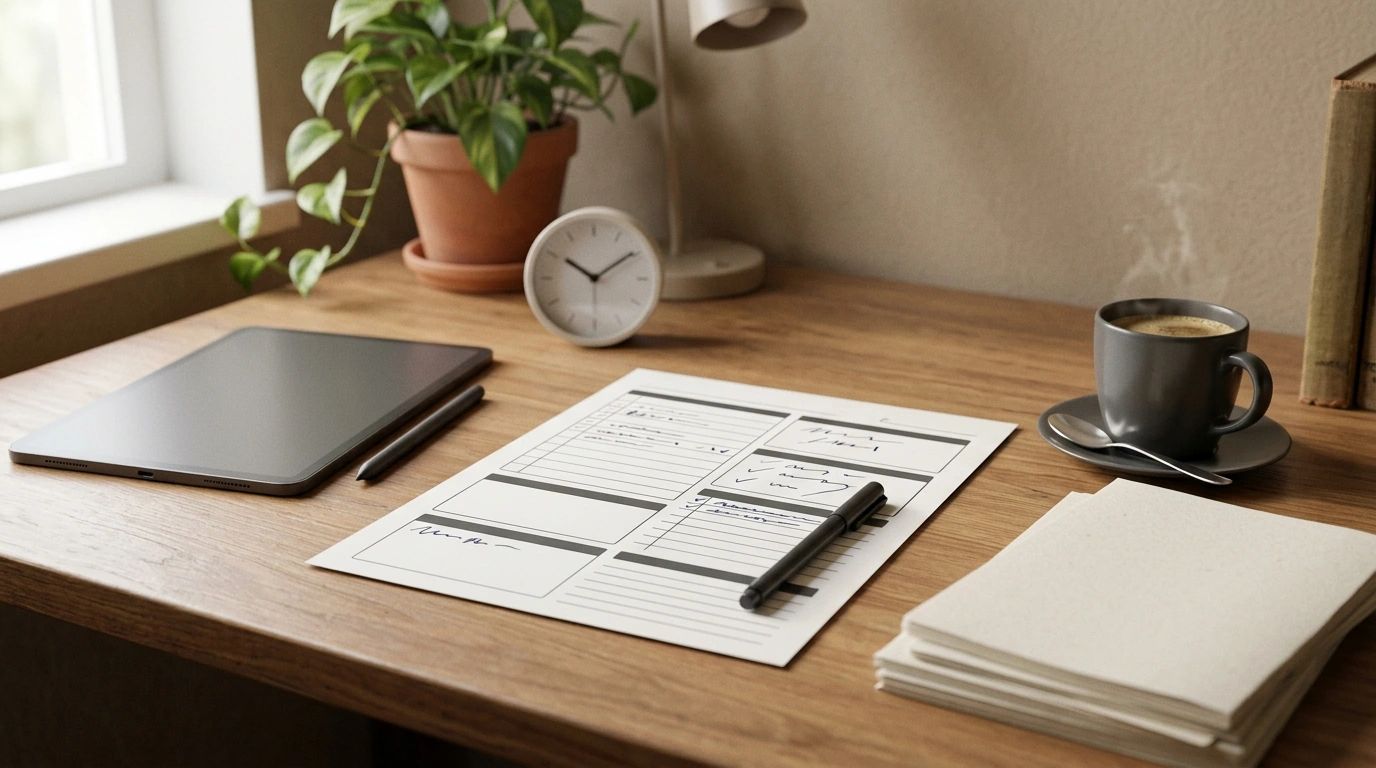
Busy days rarely improve with more effort—they improve with clearer priorities, fewer decisions, and a plan that fits real life. This printable, fill-in guide turns scattered to-dos into a simple daily rhythm using practical time blocks, focus cues, and review prompts designed to reduce overwhelm and help tasks actually get finished.
A good day isn’t “packed”—it’s intentional. When each chunk of time has a purpose, your brain stops negotiating every next step.
This shift can also support stress reduction by lowering constant mental load. For a deeper look at how stress affects the body, see the American Psychological Association’s overview.
Master Your Minutes, Shape Your Day (digital download) is designed for real schedules: limited time, shifting priorities, and the occasional curveball.
For extra structure around habits and routines, pair it with Break Free With Smart Support—especially if time loss tends to come from repeat patterns (scrolling, multitasking, “just one more” tasks).
The first setup works best when it’s quick. The goal is a usable plan, not a perfect plan.
If the day already feels overloaded, reduce the priority list before you start. Overwhelm often comes from too many open loops; Harvard Business Review has a helpful guide on what to do when you’re feeling overwhelmed.
Time blocking works when it respects how attention behaves: it ramps up, it fades, and it needs resets. The guide encourages blocks that match your energy, not just your clock.
| Time | Block | Goal | Notes |
|---|---|---|---|
| 8:30–9:00 | Daily setup | Choose top 3 + map blocks | No email yet |
| 9:00–10:15 | Focus block 1 | Finish draft / key deliverable | Phone on Do Not Disturb |
| 10:15–10:30 | Transition | Walk + water | Quick reset |
| 10:30–11:15 | Admin batch | Email + scheduling | Timer on |
| 11:15–12:00 | Buffer block | Catch-up / overflow | If unused: small tasks |
| 12:00–1:00 | Lunch | Real break | Step away from screens |
| 1:00–2:00 | Focus block 2 | Project progress | Single tab rule |
| 2:00–2:20 | Break | Stretch | Prevent slump |
| 2:20–3:00 | Shallow tasks | Messages / forms | Low-energy friendly |
| 3:00–3:10 | Wrap-up | Plan tomorrow | Write first next step |
Most “time management issues” are really planning illusions. The printable prompts help spot them early—before the afternoon scramble.
Consistency comes from tiny adjustments, not constant reinvention. A 10–15 minute weekly review keeps the plan realistic and prevents repeat overload.
If follow-through gets hard in high-pressure conversations or team settings, Finding Courage to Speak Up can complement your planning system by making it easier to communicate boundaries, timelines, and priorities.
A to-do list names tasks; this system assigns them a place in the day with time boundaries and realistic capacity. The built-in prompts also help refine what you plan each week so the plan gets easier to follow over time.
Yes—buffers and flexible blocks keep priorities intact even when the day shifts. When something derails the plan, you restart at the next block instead of abandoning the whole day.
Printing is great for high visibility and quick jotting; a tablet is great for duplication, portability, and easy edits. Both support the same workflow, so the best choice is the one you’ll keep open and use daily.













Leave a comment